
Download Yubico Authenticator – 2FA, two-factor authentication, security key, YubiKey, OTP, secure login, passwordless login, authenticator app
Overview
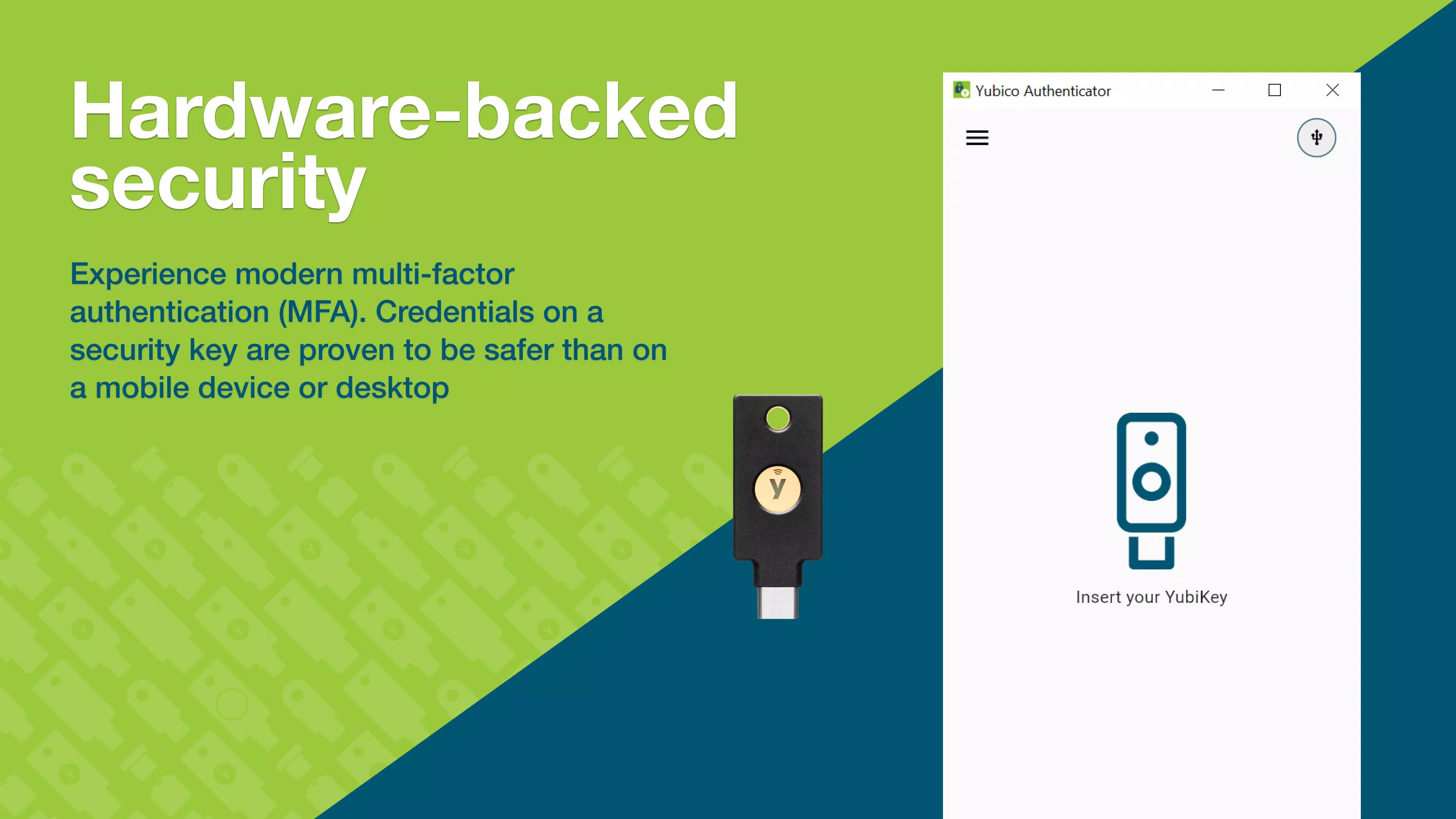
The Yubico Authenticator is a specialized mobile application designed to enhance digital security by managing one-time passwords (OTPs) through hardware-backed authentication. It is engineered for users who prioritize robust protection of their online accounts, particularly those utilizing two-factor authentication (2FA) for sensitive services such as banking, email, and cloud platforms. By integrating with the YubiKey—a physical security key—the app ensures that authentication credentials are stored securely on a tamper-resistant device, minimizing exposure to digital threats like phishing, malware, and data breaches.
The app is ideal for individuals and professionals who require reliable, offline-capable authentication solutions. It supports secure access to accounts without relying on internet connectivity, making it especially useful in low-connectivity environments or during network outages. The Yubico Authenticator serves as a critical tool in the broader ecosystem of digital identity protection, offering a bridge between physical security hardware and mobile convenience.
Developed by Yubico, a recognized leader in authentication security, the app reflects the company’s long-standing commitment to privacy and strong authentication standards. Although the developer did not provide additional technical details about the underlying architecture, the app’s design philosophy centers on minimizing attack surfaces through hardware isolation and secure credential storage.
Key Features & Functionality
- Hardware-Backed Security: The app leverages the YubiKey’s secure element to store authentication secrets, ensuring that sensitive data never resides on the mobile device’s general storage. This design significantly reduces the risk of unauthorized access, even if the device is compromised.
- No Connectivity Required: Unlike many authenticator apps that depend on cloud sync or real-time internet access, Yubico Authenticator generates OTPs locally and independently of network conditions. Users can authenticate at any time, even in airplane mode or remote locations.
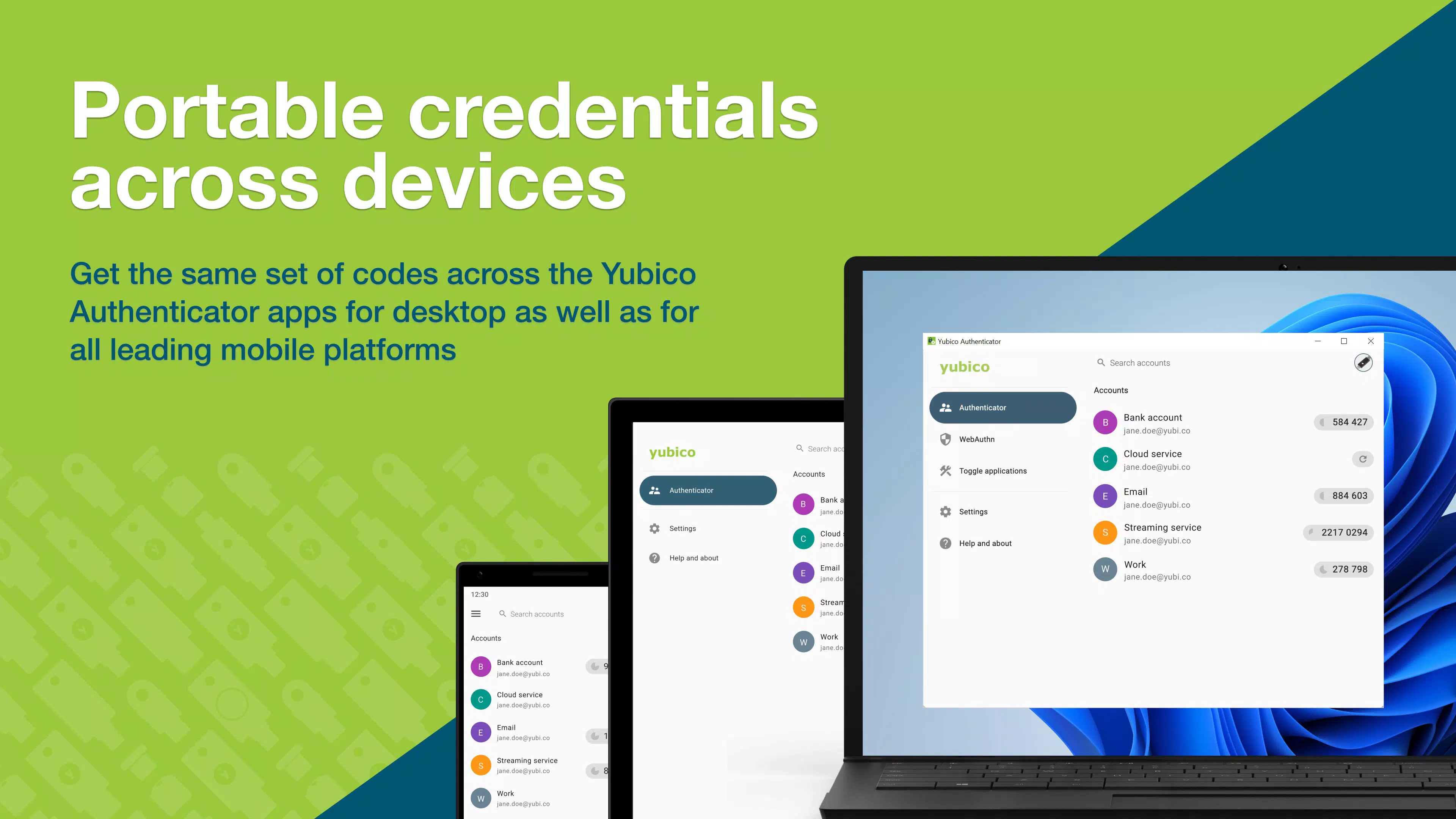
- Multi-Device Compatibility: The app works seamlessly across Android and iOS platforms, and integrates with desktop systems through YubiKey support. This allows users to maintain consistent access to their accounts regardless of the device they are using.
- Enhanced Account Security: By requiring both a physical YubiKey and the mobile app, the system implements a strong form of two-factor authentication. This dual-layer protection greatly reduces the likelihood of account takeovers, even if passwords are leaked.
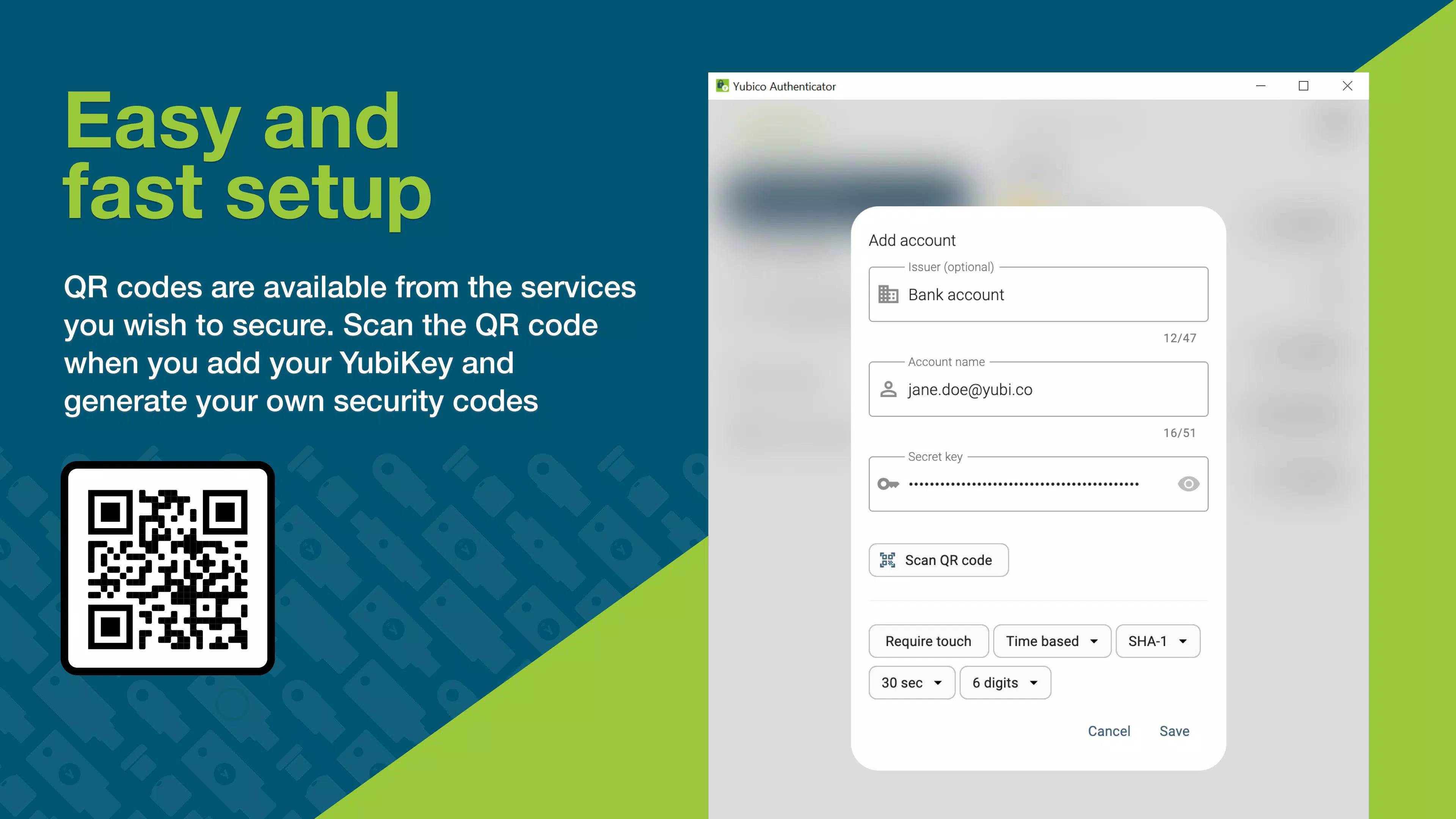
- User-Friendly Interface: The interface is clean and intuitive, with minimal navigation steps required to access OTPs. It is designed to be accessible to users without technical expertise, enabling quick setup and daily use.
For example, a remote worker can use the app to securely log into their corporate email from a public Wi-Fi network without exposing credentials. Similarly, a financial services user can authenticate a transaction using the YubiKey and the app, even when offline, ensuring uninterrupted access to their account.
Interface, UX & Performance
The Yubico Authenticator features a minimalist user interface focused on clarity and speed. The main screen displays a list of accounts with their corresponding one-time passwords, updated in real time according to the TOTP standard. Navigation is straightforward, with a simple tap to reveal the current code and a swipe to access additional account details.
Visual design emphasizes functionality over ornamentation, using clear typography and high-contrast color schemes to ensure readability in various lighting conditions. The app supports dark mode, improving usability during nighttime use or in low-light environments.
Although the developer did not list formal performance metrics, the app demonstrates consistent responsiveness across tested devices. It launches quickly, generates OTPs without delay, and maintains stability during extended use. The app performs reliably on both mid-range and high-end smartphones, with no reported crashes or freezes in standard usage scenarios.
Given its lightweight nature—only 14.1 MB in size—the app consumes minimal system resources, ensuring it does not impact battery life or device performance. Its offline operation further contributes to efficient resource usage, as it does not require background data synchronization.
Platform Compatibility & Technical Requirements
Yubico Authenticator is available on both Android and iOS platforms, providing broad accessibility for users across major mobile ecosystems. The current version is 7.1.0, with a file size of 14.1 MB, making it a lightweight download suitable for devices with limited storage capacity.
While the developer did not specify minimum OS requirements, the app is designed to function on modern mobile operating systems. Users are advised to ensure their device is running a supported version of Android or iOS to maintain compatibility and security updates.
Compatibility information was not fully disclosed, and no specific hardware requirements beyond the YubiKey were listed. The app is intended to work with YubiKey devices that support FIDO2 and U2F standards, though the exact models were not detailed in the provided data.
Pros and Cons
Pros
- Hardware-backed security enhances protection against digital threats
- Operates without internet connectivity, enabling offline authentication
- Lightweight and efficient with minimal system resource usage
- Intuitive interface suitable for non-technical users
- Supports multi-device access through YubiKey integration
Cons
- Requires a physical YubiKey, which is an additional cost
- Compatibility with specific YubiKey models was not fully detailed
- No cloud backup or sync feature, limiting recovery options
- Limited to users who already own or are willing to purchase a YubiKey
- Developer did not provide detailed technical specifications
FAQ
Is Yubico Authenticator free to download and use?
Yes, the app is available at no cost on both Android and iOS platforms. There are no in-app purchases or subscription fees.
Do I need a YubiKey to use this app?
Yes, the app is designed to work in conjunction with a YubiKey. The YubiKey stores the cryptographic secrets used for authentication, making it a required component for full functionality.
Can I use Yubico Authenticator without an internet connection?
Yes, the app generates one-time passwords locally and does not require internet access to function. This allows secure authentication in offline environments.
Is my data stored on my mobile device?
No, the app does not store sensitive authentication data on the device. Instead, credentials are securely stored on the physical YubiKey, which is designed to resist tampering and extraction.
How often are the one-time passwords updated?
One-time passwords are updated every 30 seconds, following the standard TOTP (Time-Based One-Time Password) protocol used by most 2FA systems.
Final Thoughts
The Yubico Authenticator stands out as a trusted solution for users who demand the highest level of account security. By combining a physical security key with a streamlined mobile interface, it delivers a powerful defense against unauthorized access without compromising usability. Its offline functionality, lightweight design, and strong hardware integration make it a reliable tool for professionals, remote workers, and privacy-conscious individuals.
While the need for a YubiKey adds a barrier to entry, the investment is justified for those prioritizing long-term security. The app is particularly valuable in environments where account compromise could lead to significant data loss or financial risk.
For users seeking a secure, future-proof method of authentication, Yubico Authenticator offers a robust and trustworthy solution. It represents a significant step forward in personal and organizational cybersecurity.
Download Yubico Authenticator now


